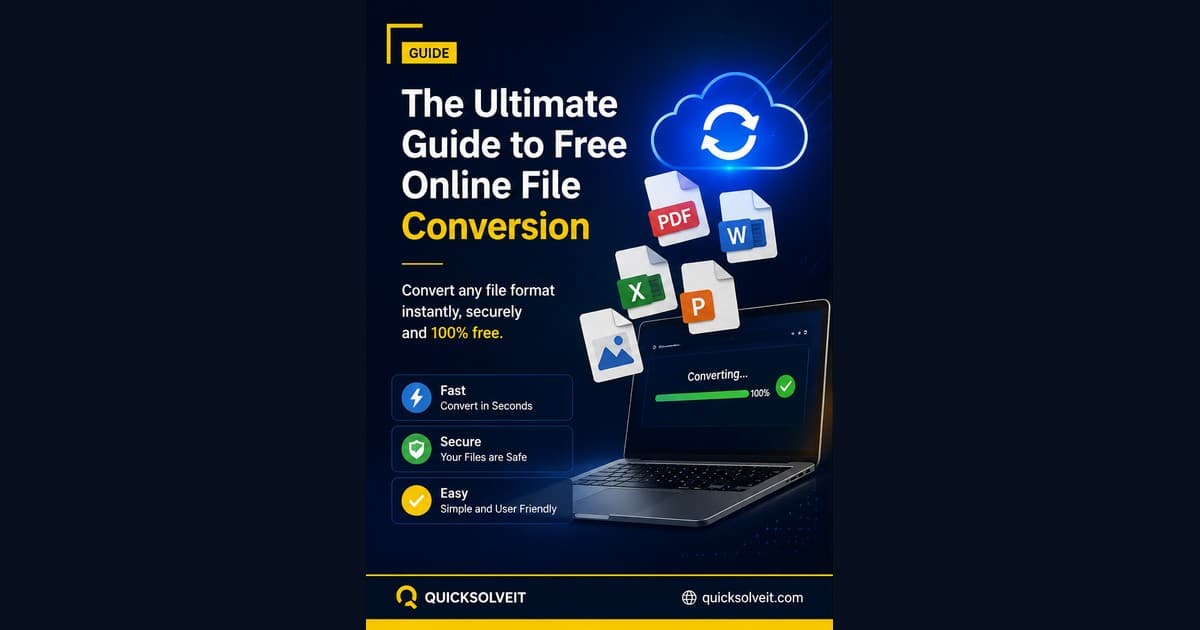
File conversion used to mean installing bulky desktop software or uploading sensitive documents to sketchy third-party sites. In 2026, browser-based conversion tools have closed that gap - here's what to look for and how to use them safely.
Supported Format Categories
A well-built converter should handle documents (PDF, DOCX, TXT), spreadsheets (XLSX, CSV), and images (JPG, PNG, WebP) at minimum. QuickSolveIt's File Converter covers all three categories from a single interface, so you're not bouncing between five different tools for one task.
Why Client-Side Processing Matters
The biggest privacy risk with online converters is server-side upload - your file leaves your device and sits on someone else's server, sometimes indefinitely. Client-side conversion processes the file entirely inside your browser using JavaScript, meaning the file never actually gets uploaded anywhere. If privacy matters for the documents you're converting (CNICs, contracts, academic transcripts), always confirm whether a tool is client-side before using it - you can read more about how QuickSolveIt handles your files in our privacy policy.
Best Practices for Large Files
- Close other browser tabs before converting large files to free up memory
- Prefer WebP over PNG for images when file size matters more than lossless quality
- Split very large PDFs into smaller chunks if the tool struggles to process them in one pass
When to Use Desktop Software Instead
Browser tools are ideal for occasional, single-file conversions. If you're batch-processing hundreds of files regularly, dedicated desktop software or a scripted pipeline will still be faster and more reliable.